Smart workspace solutions
Smart Dock + DockNavi / Current lineup
Smarter Docks.
Simpler IT.
Turn everyday desk connections into an intelligent, centrally managed workspace.
Connect, monitor, control and maintain compatible Smart Docks across workstations and locations—from one DockNavi platform and a choice of three docking technologies.
- Intelligent hardware
- Centralized software
- Flexible deployment
One connected workspace ecosystem
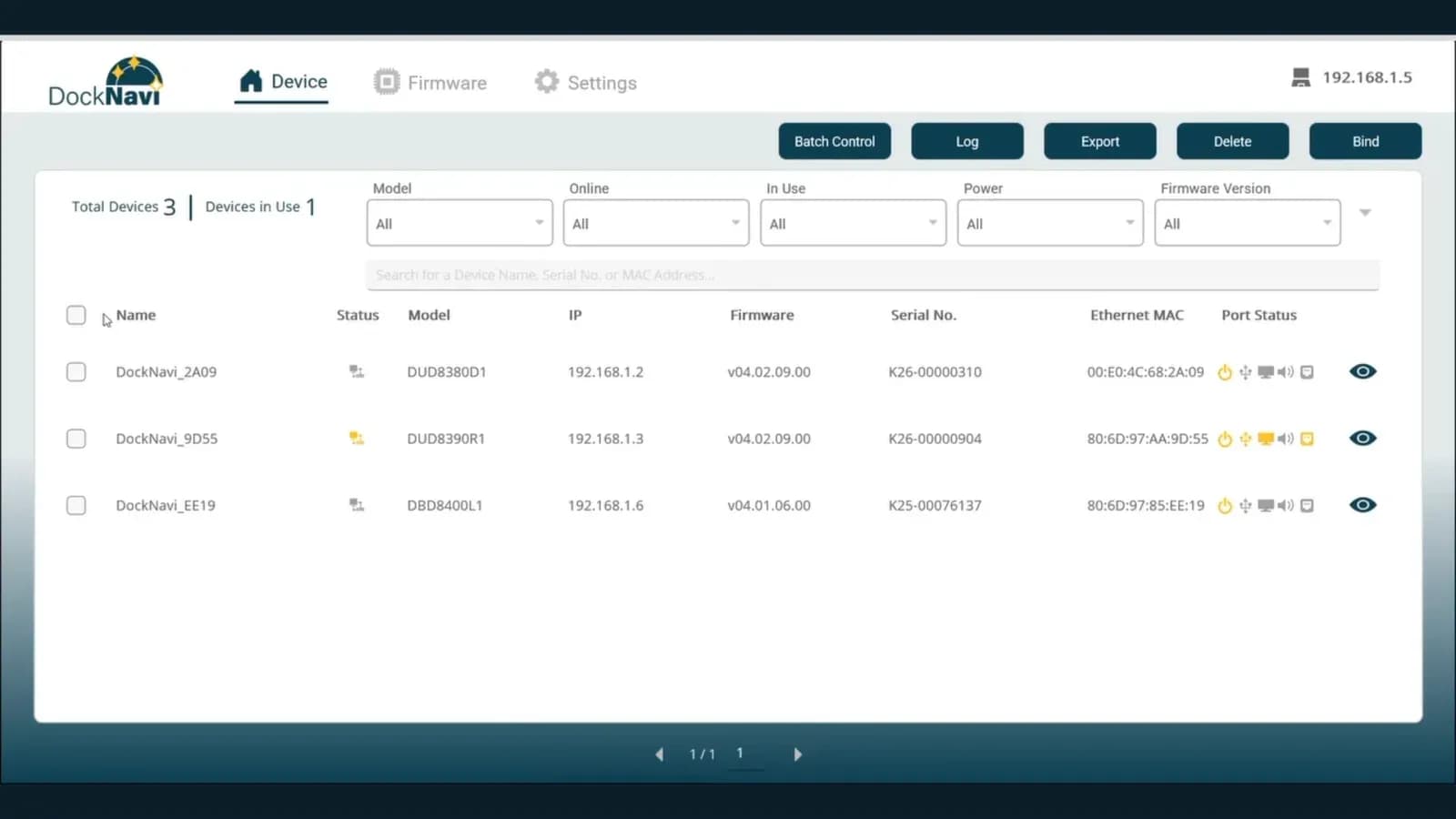
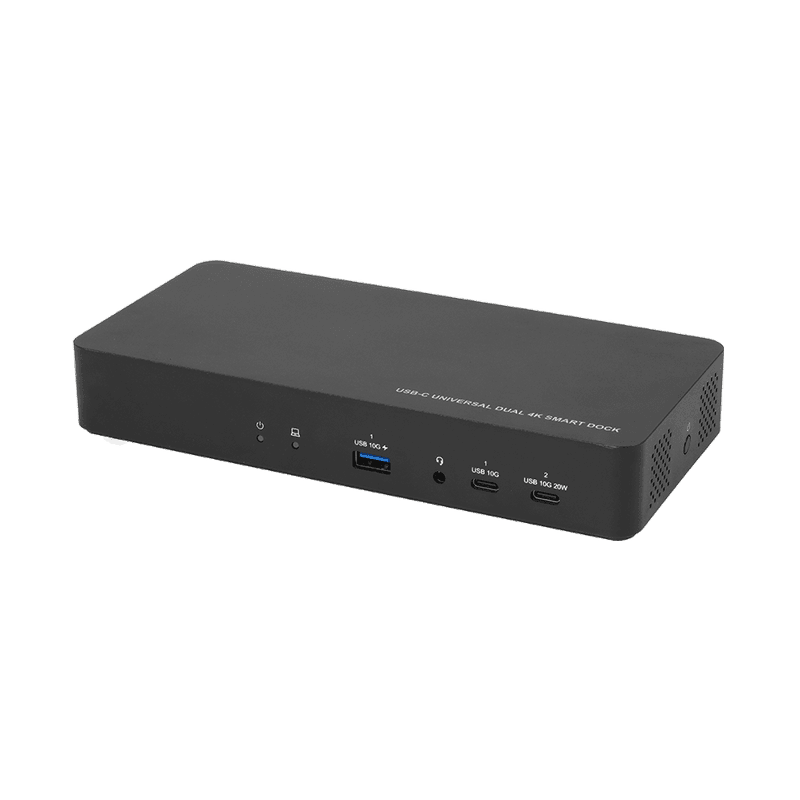
DUD8380
DisplayLink
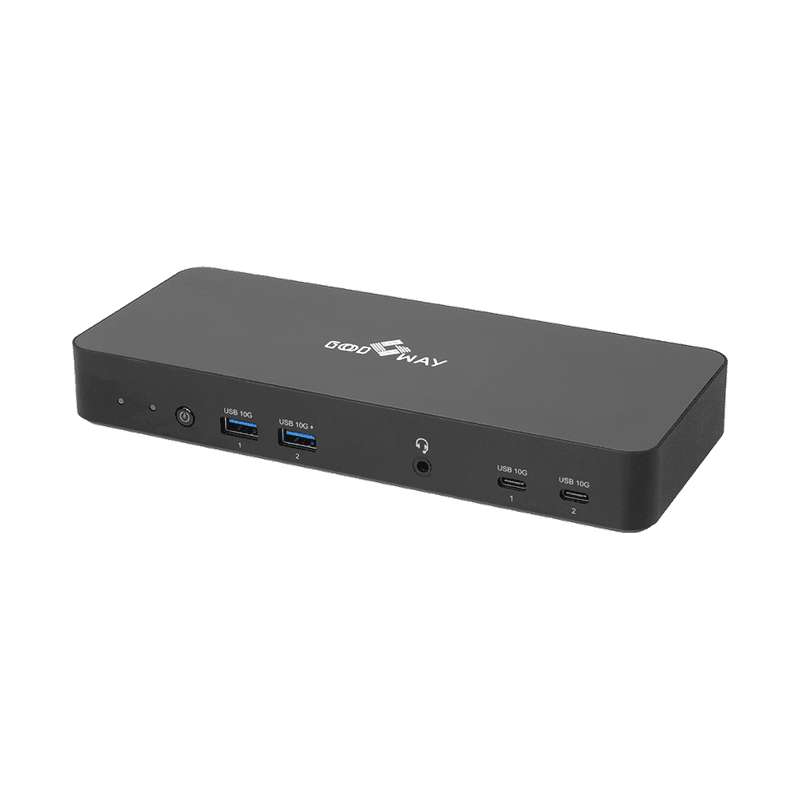
DUD8390
MST
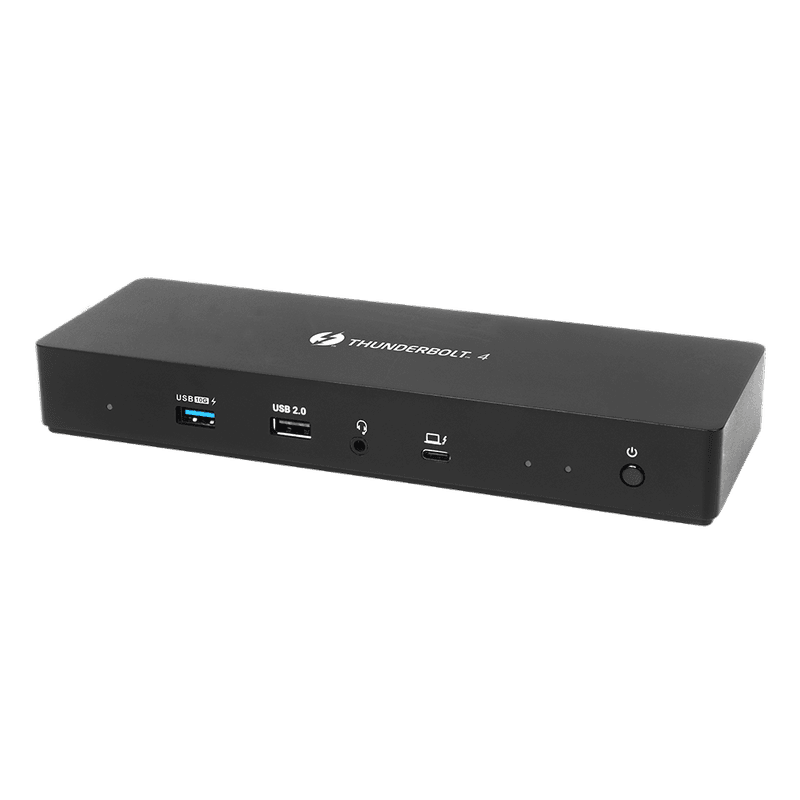
DBD8400
Thunderbolt™ 4
01 / The challenge
More Docks.
More IT Work.
As dock deployments grow across teams, floors and locations, the real challenge shifts from connection ports to day-to-day management.
 01 / Visibility
Scattered Devices
Different desks and sites make it difficult to see what's deployed and where.
→ Device visibility
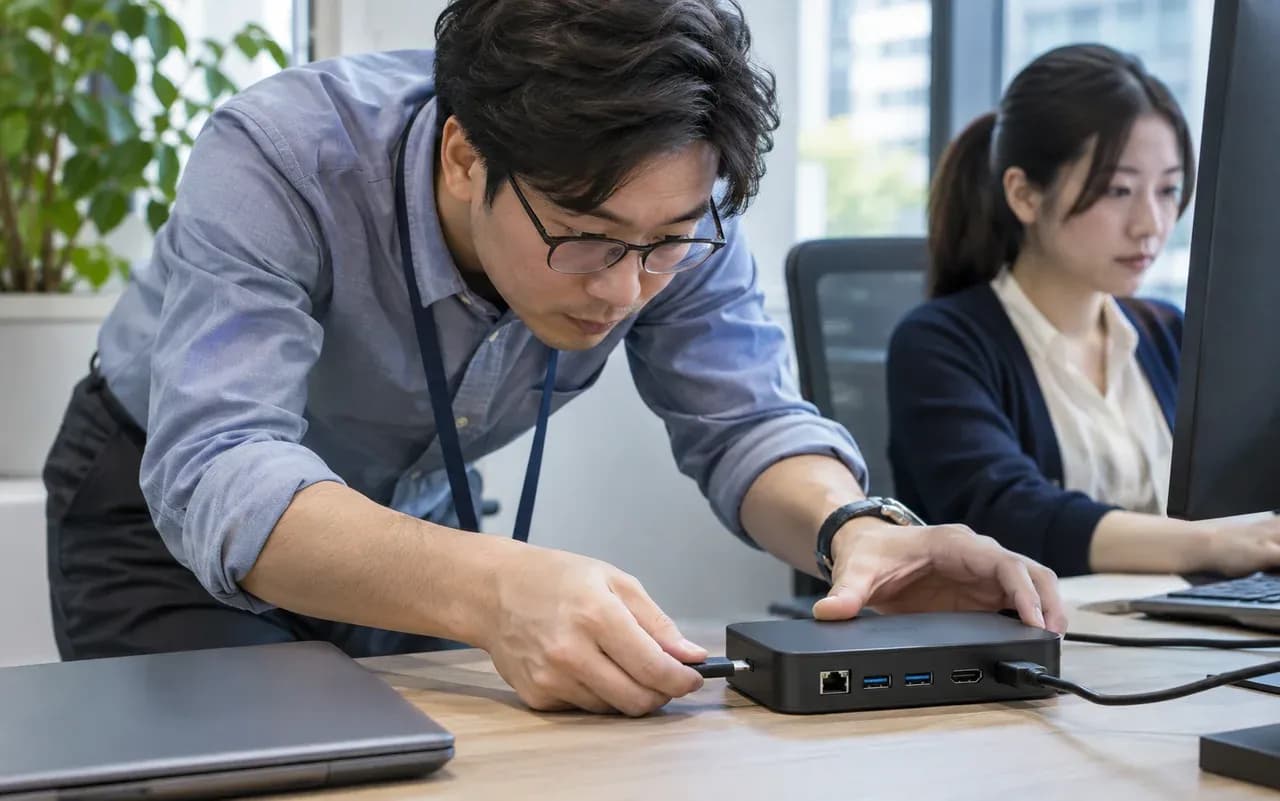 02 / Maintenance
Manual Maintenance
IT spends time visiting desks, checking status and updating devices.
→ Remote management
 03 / Energy
Idle Energy Use
Unused ports and docks remain powered outside active work hours.
→ Automated scheduling
Before
Disconnected maintenance
Individual checks · Manual follow-up · Limited visibility
With Smart Dock + DockNavi
One connected management flow
Centralized view · Batch actions · Recorded results
02 / The management platform
One View.
Complete Dock Management.
DockNavi brings device visibility, remote control, updates, scheduling and management activity into one place.
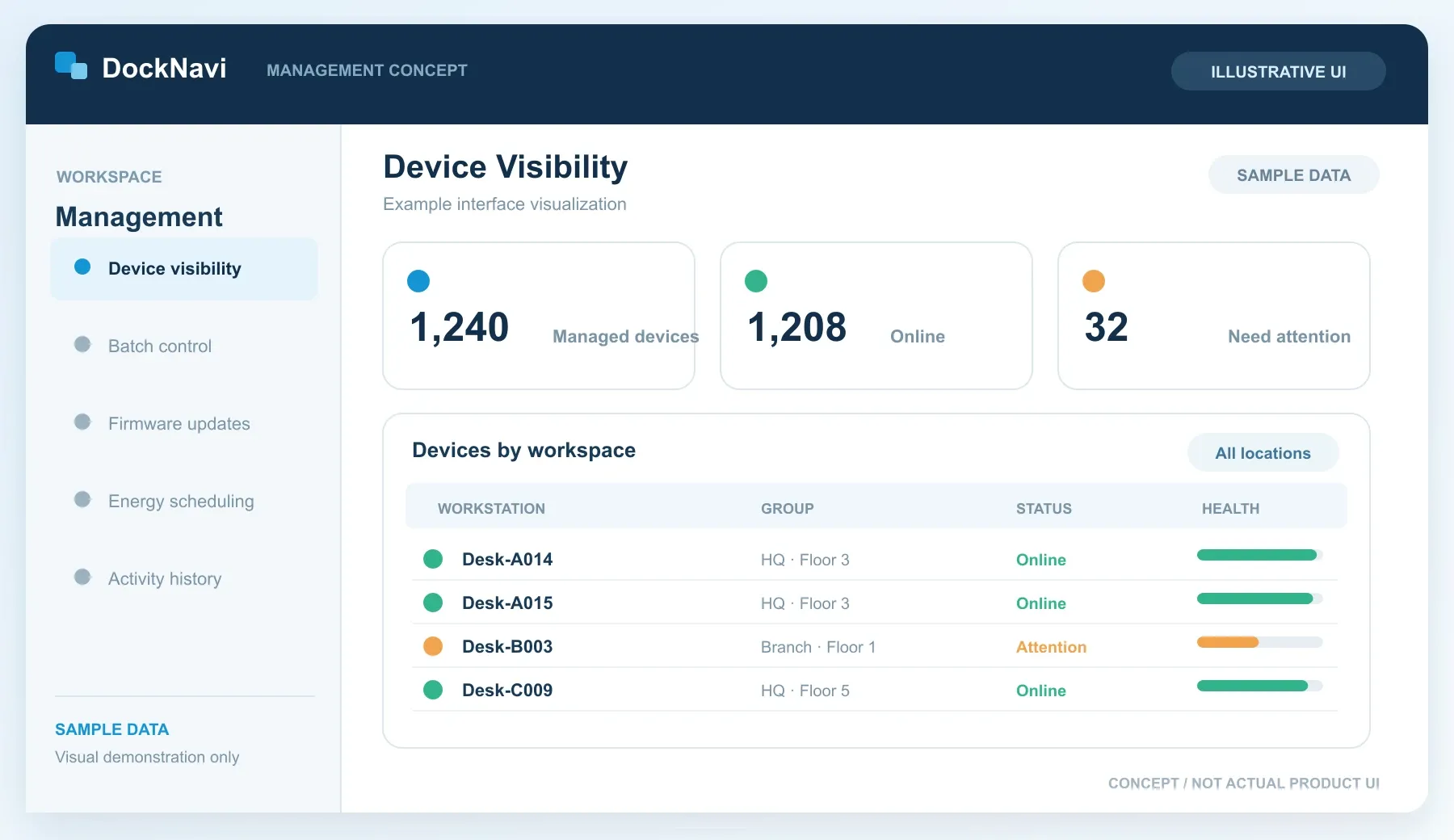
Device management
Every dock, within view.
Check device availability, organize compatible docks and review connection information from one central workspace.
All five interface visuals in this feature explorer are conceptual illustrations with sample data—not actual DockNavi software screenshots.
- One viewAcross compatible Smart Docks
- One actionBatch control & maintenance
- One recordTrack changes & results
03 / Verified engineering results
Proven by
Real Data.
Engineering tests and modeled scenarios show the potential impact of smarter device management.
01 / Scale
60,000devices
Supported Fleet Scale
Built to manage tens of thousands of devices across a growing deployment.
View Testing NotesHide Testing Notes
Based on DockNavi's network-segment capacity, supporting up to 60,000 devices.
02 / Reliability
98.5%to100%
Firmware Update Completion
Initial completion rate improved after the retry process.
View Testing NotesHide Testing Notes
Engineering update test: 98.5% on the first pass, and all updates completed after retry in the tested scenario; not a universal guarantee.
03 / Efficiency
92%
Estimated Maintenance Cost Reduction
Modeled savings through centralized batch maintenance.
View Testing NotesHide Testing Notes
Estimated reduction in a 1,000-device maintenance scenario. Actual customer costs will vary.
04 / Energy
12%
Average Energy Savings in Testing
Average result of scheduled power-saving tests.
View Testing NotesHide Testing Notes
Average result under internal scheduled-power test conditions. Actual energy savings depend on use patterns.
04 / Deployment options
One Platform.
Flexible Deployment.
Start simply, expand across locations, or keep management infrastructure within your own environment.
App Edition
Start managing—without a dedicated server.
Install the management app and manage supported Smart Docks on the local network. Designed for quick rollout and smaller teams.
- No dedicated management server
- Core device visibility and supported controls
- Batch firmware and energy management functions
Best for Small teams & fast rollouts
Illustrative network topology
- Office ALocal Network
- Smart DockDesk 01
- Smart DockDesk 02
05 / Smart Dock portfolio
Three Smart Docks.
One Connected Strategy.
From universal connectivity to Thunderbolt™ performance, choose the right Smart Dock and manage compatible devices through DockNavi.
- 01 / DisplayLinkSmart management
DUD8380
Universal Dual 4K Smart Dock
Broad connectivity for everyday dual-display business desks.
DisplayLink • Up to dual 4K60
- 02 / MSTSmart management
DUD8390
USB-C DP1.4 MST Smart Dock
Flexible multi-display setups for Windows-based workflows.
MST • Dual or triple displays
- 03 / Thunderbolt™ 4Smart management
DBD8400
Thunderbolt™ 4 Smart Dock
High-performance connectivity for demanding workstations.
Thunderbolt™ 4 • Dual 4K60
Management functions require compatible models and vary by DockNavi edition, host platform and configuration. Confirm final model compatibility with Good Way.
06 / Let's build something smarter
Make Every Desk
Work Smarter.
Whether you're deploying across an enterprise or building your next smart docking product, let's explore the right solution.
For enterprise IT teams
See DockNavi in Action.
Explore a guided management demo and discuss deployment options.
Request a Demo ↗For brands & OEM/ODM partners
Build Your Smart Dock Solution.
Discuss hardware choices, software integration and customization.
Discuss OEM/ODM Solutions ↗