
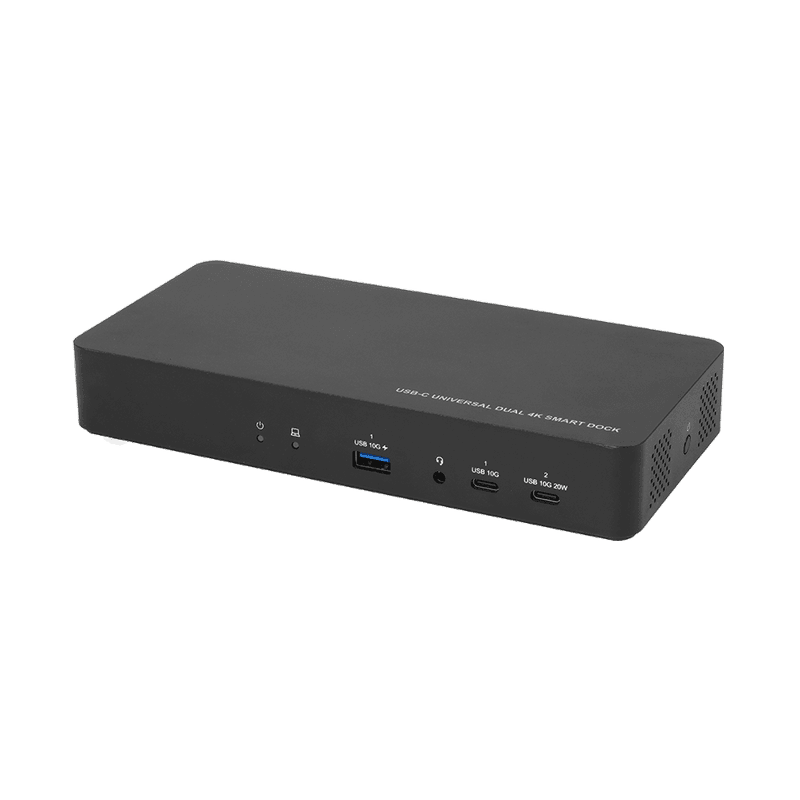
Universal Dual 4K Smart Dock
DUD8380
Global Sites
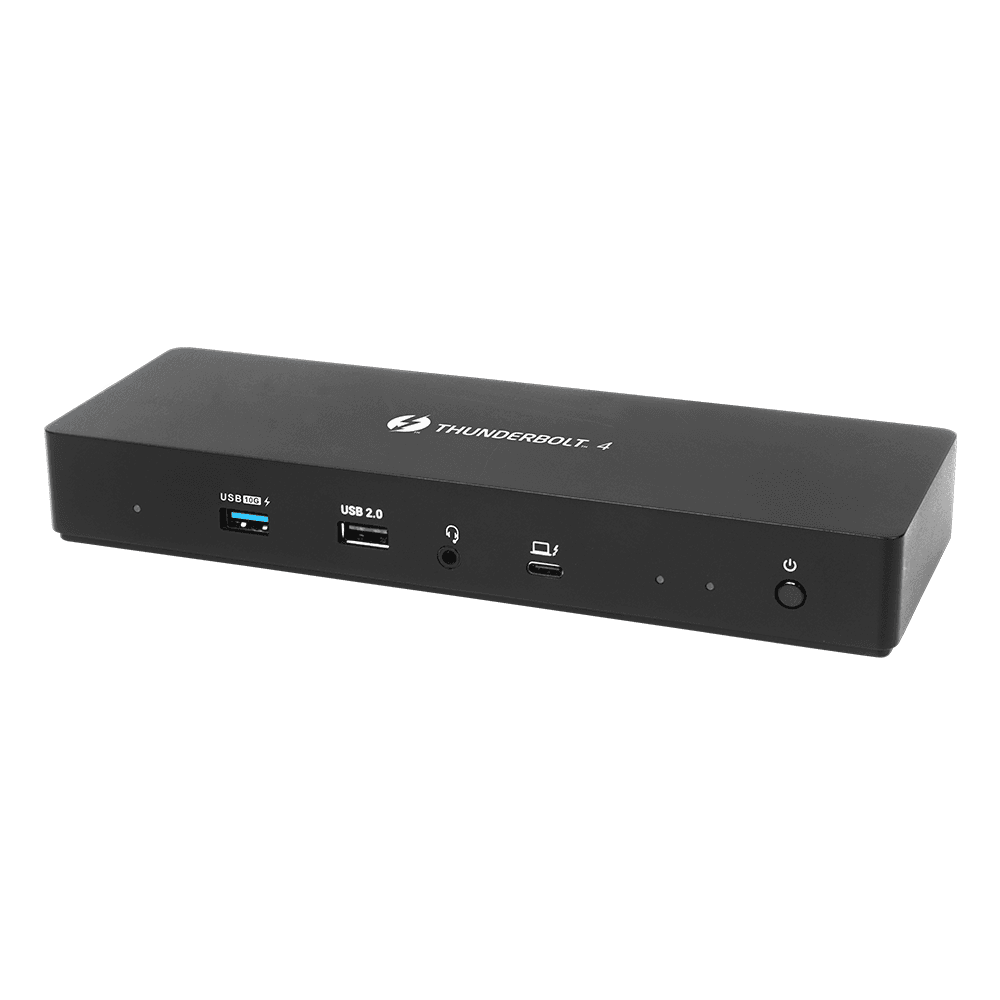
DBD8400


Thunderbolt™ 4 connectivity with DockNavi smart management for more efficient enterprise workstations.
Combining Thunderbolt™ 4 connectivity with DockNavi smart management to enhance enterprise productivity and IT efficiency.
The DBD8400 is an enterprise Smart Dock combining Thunderbolt™ 4 connectivity with intelligent device management. Featuring Thunderbolt™ 4 technology, it supports dual 4K@60Hz displays, up to 90W PD charging, a downstream Thunderbolt™ 4 port, USB connectivity, and Gigabit Ethernet—creating a streamlined and productive workstation. Combined with the DockNavi smart management platform, IT administrators can centrally monitor device status, receive real-time alerts, perform firmware updates remotely over the network, and schedule power operations. This simplifies large-scale dock maintenance and improves management efficiency across locations.
DockNavi provides device status monitoring, real-time alerts, remote firmware updates, and power scheduling. IT teams can manage distributed dock deployments through one platform, reducing routine inspections and on-site maintenance efforts.
Featuring Thunderbolt™ 4 technology, the DBD8400 supports dual 4K@60Hz displays, up to 90W PD charging, and downstream Thunderbolt™ 4 connectivity. Combined with multiple USB ports and wired networking, it delivers a flexible, integrated desktop experience.
Update firmware for many docks in batches from the DockNavi portal.
Turn docks on or off remotely and schedule power-off to save energy.
Monitor docks, get real-time notifications and review usage records.
An RGB LED shows whether the dock is connected to the LAN and the management service.
Two DisplayPort 1.4 outputs at 4K60 each, or one display up to 4K120.
One cable for data, video and laptop charging up to 90W, plus a Thunderbolt 4 downstream port.
| Model | DBD8400 |
|---|---|
| USB | |
| Downstream | 1 × USB-C 10Gbps, 3 × USB-A 10Gbps (1x BC1.2), 1 × USB-A USB 2.0 |
| Display | |
| Max Display Resolution | 2 × 4K@60Hz |
| Network | |
| LAN | 1 × RJ45 (1GbE) |
| Power | |
| PD | 90W |
| Power Supply | DC 135W (20V/6.75A) |
| Power Mode | Self-Power |
| Audio & Other I/O | |
| Audio | 1 × Hi-Res headset jack (front) |
| Physical | |
| Dimension (L x W x H) | 220 x 74.8 x 30 mm |
DUD8380
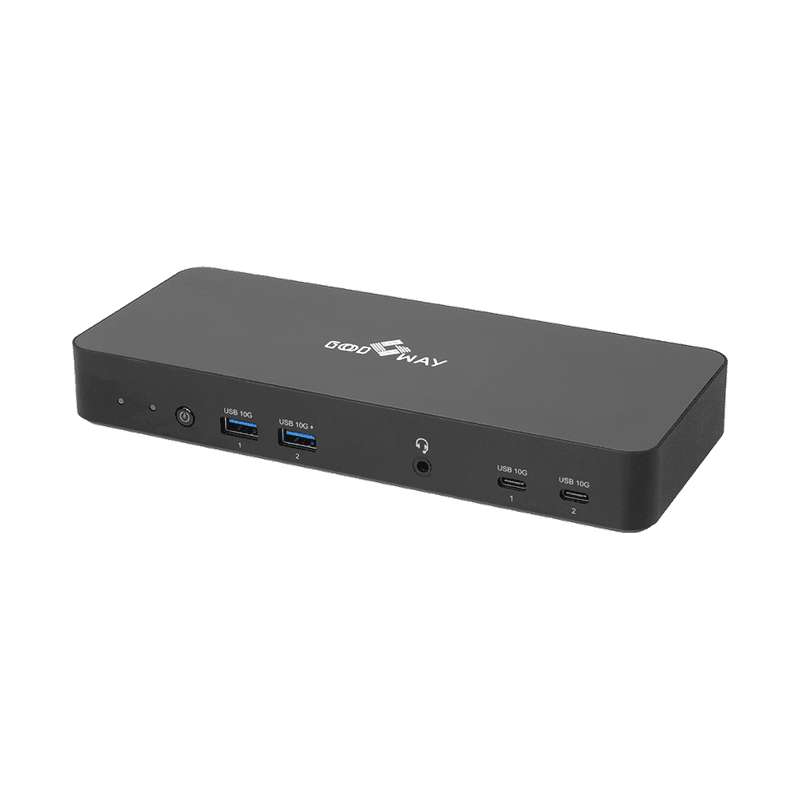
DUD8390
Last updated:
We use analytics cookies to see how visitors use this site so we can improve it, and marketing cookies to measure our campaigns. Where the law requires it, they are only set if you agree. Essential cookies that keep the site working are always on. Privacy Policy
Your choice is saved in this browser for 180 days. You can change it at any time under “Cookie Settings” at the bottom of every page.